



MemberCard Spotlight | October 2025
By Cameron Settles, Marketing & Communications Manager, PBS12
Last month, I told you that your Membership can pay for itself by using MemberCard, so now I’m out to prove it. Each month, I’ll be highlighting a MemberCard benefit that could cover the monthly cost of Membership on its own.
This Month: Travel
I had to go to Orlando for a wedding this past weekend, and when looking for a place to stay I quickly had sticker shock at the costs of hotels in the area.
So, I pulled out my trusty MemberCard app to see if it could save me some money, and it did!
Let me walk you through the steps to book travel using MemberCard, because it was a bit confusing, but it was worth the payoff…
Step 0: Sign up and register for MemberCard.
Step 1: Open the app and go to the “travel section.”
Step 2: Find the “save on hotels” listing, click, and then click “visit website.”
Step 3: Sign Up for an Account
- Once on the MemberCard deals page, click “Sign Up for an Account.”
- Enter Your Email (the same one you used for MemberCard).
- Enter Your Activation Code (the same one you used for the MemberCard app).
Step 5: Complete Sign Up and Explore Travel Deals!
Commentary on Travel Deals:
As an avid traveler, I’d have to say that many of the hotel discounts you’ll find on there are solid deals, coming in cheaper than many of the well-known discount travel sites in my experience.
How I found the exceedingly good deal for my trip:
Note: this is no way an endorsement of the Resort Certificates website or the resort itself, it is just my own personal experience. Please use your own discretion when looking into any deals.
- I clicked on the Resort Certificates listing on the Enjoy My Deals site.
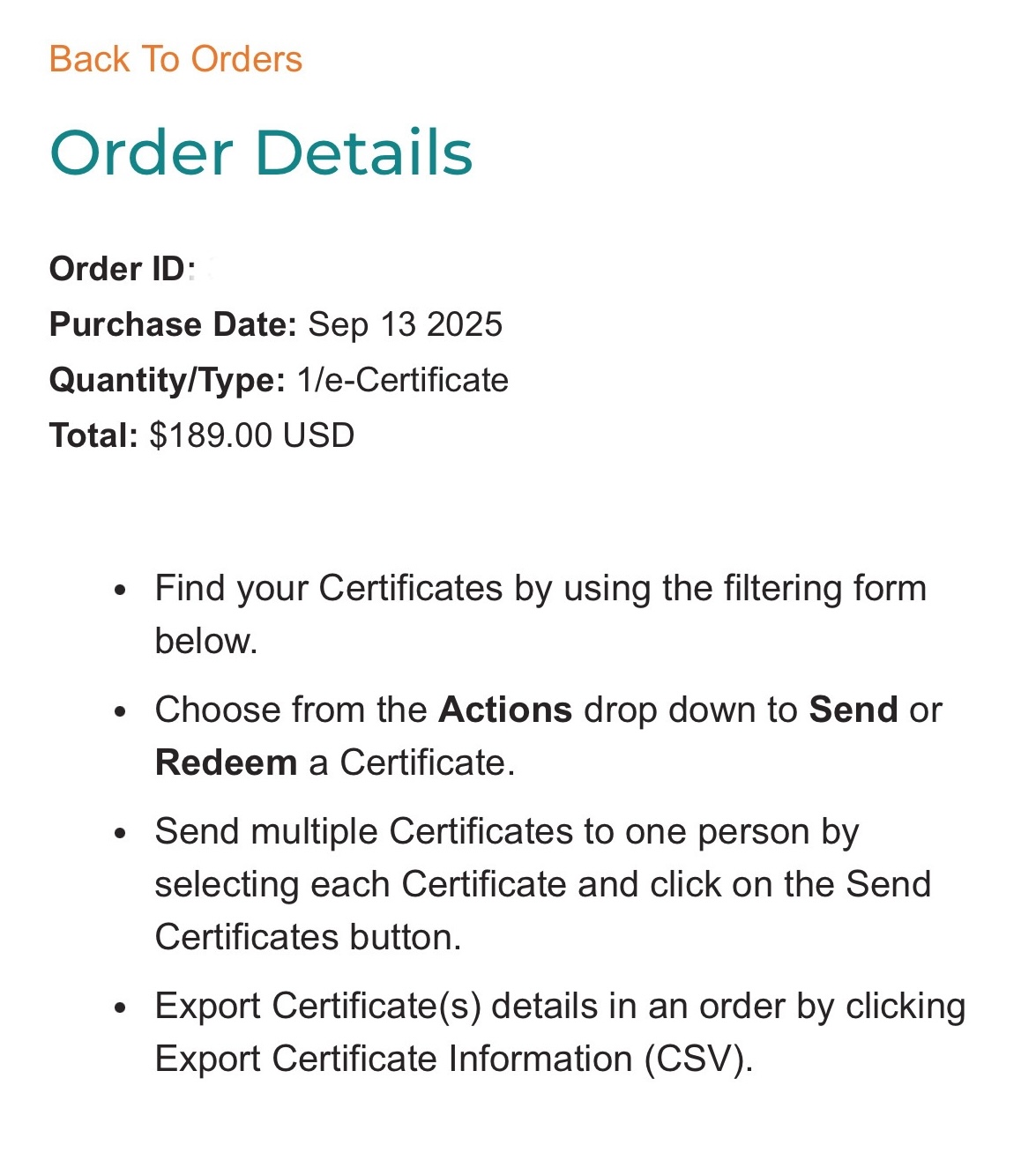
- I signed up for an account and bought a certificate for $189…while crossing my fingers this wasn’t too good to be true.*
*There are some catches, but not deal breakers – for me, at least – I’ll get to those later.
This took me to a search bar like any travel booking website, where I put in the dates and location I was looking to book.
The “Catches:”
- While I didn’t look extensively (just in Orlando for the new few months), I didn’t see any resorts with weekend availability on the Resort Certificates booking page.
- This resort was also a timeshare, so I did have to endure two sales pitches asking me to sit for longer sales pitches.
- This resort had a $111 resort fee, which I decided was still a good deal – $100/night total (all fees and parking included) is about as good as you’re going to get for a quality place in Orlando, especially last-minute during Halloween season.
- I did consider sitting for the longer sales-pitch to offset the resort fee, but I decided to save the hour of my life, personally.
- This last one is more just a traveling pro-tip from someone who used to work in the tourism industry in Orlando:
- Call ahead to your hotel whenever booking through a third-party website, especially when using a certificate or voucher system. I’ve been on the other side when those bookings don’t come through. For whatever reason, sometimes they just don’t.
So, I called the resort the day after booking it. The woman I spoke to said my reservation wasn’t in their system yet, and that it often takes a few days. Since my travel was somewhat last minute, I then emailed the Resort Certificates contact address to see if they could push it through faster or assist otherwise.
To their credit, they quickly replied and did just that. I called the resort the next day to confirm and had no issues checking in once I got there.
- Call ahead to your hotel whenever booking through a third-party website, especially when using a certificate or voucher system. I’ve been on the other side when those bookings don’t come through. For whatever reason, sometimes they just don’t.